Invoice Orders
The invoicing workflow transforms your completed orders into finalized transactions. This process includes customer signature capture, payment processing, and receipt generation to complete your sales.
Customer Signature and Approval
Begin the invoicing process by capturing the customer's signature to authorize the order and confirm delivery:
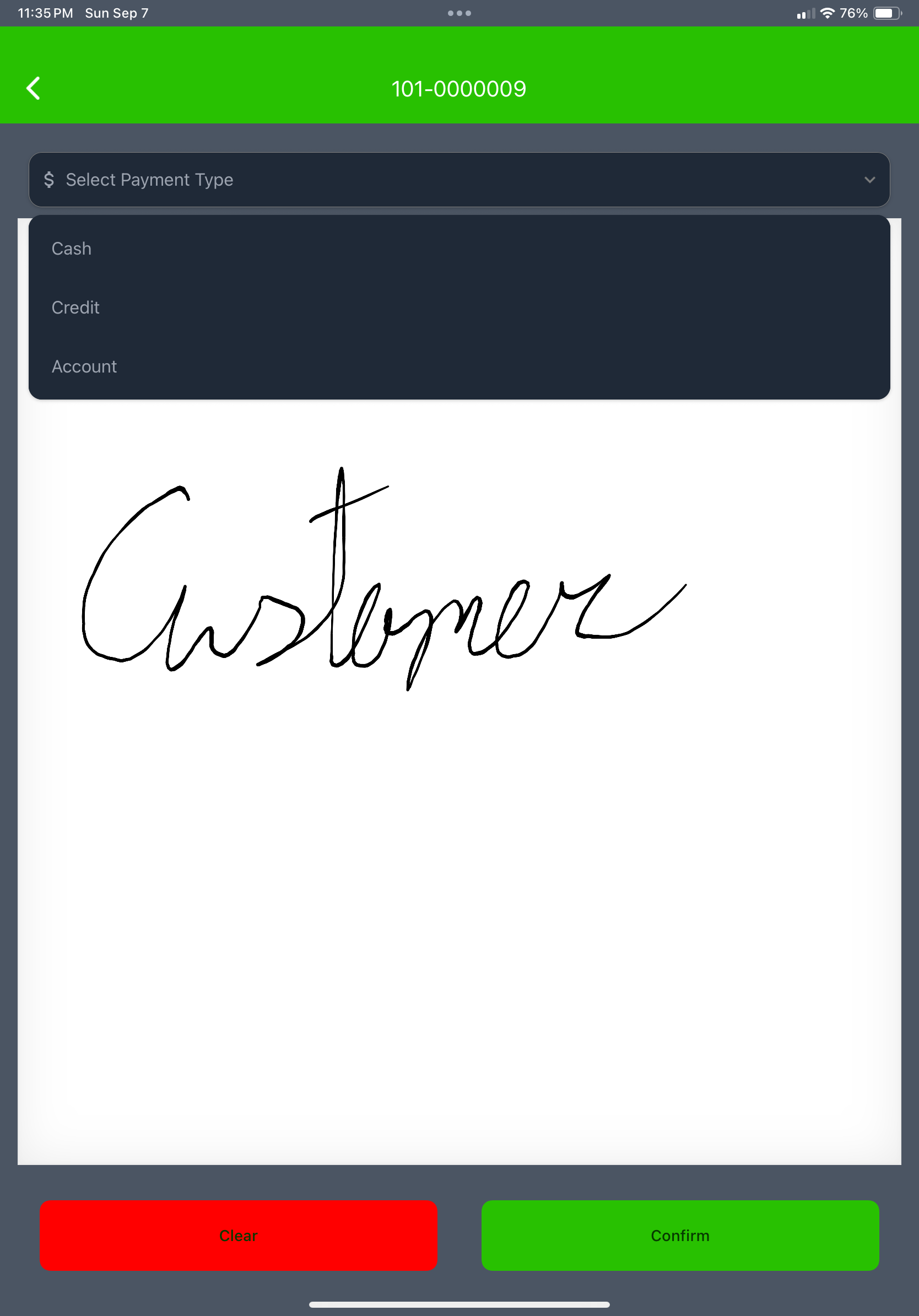
The signature process includes:
- Customer review of order details and pricing
- Digital signature capture directly on your device
- Confirmation of delivery terms and conditions
- Authorization for billing and payment processing
Signature Requirements
Customer signatures are required before proceeding to payment. This legally confirms the order and delivery, protecting both you and your customer.
Invoice Review and Management
After capturing the customer signature, review and finalize the invoice details:
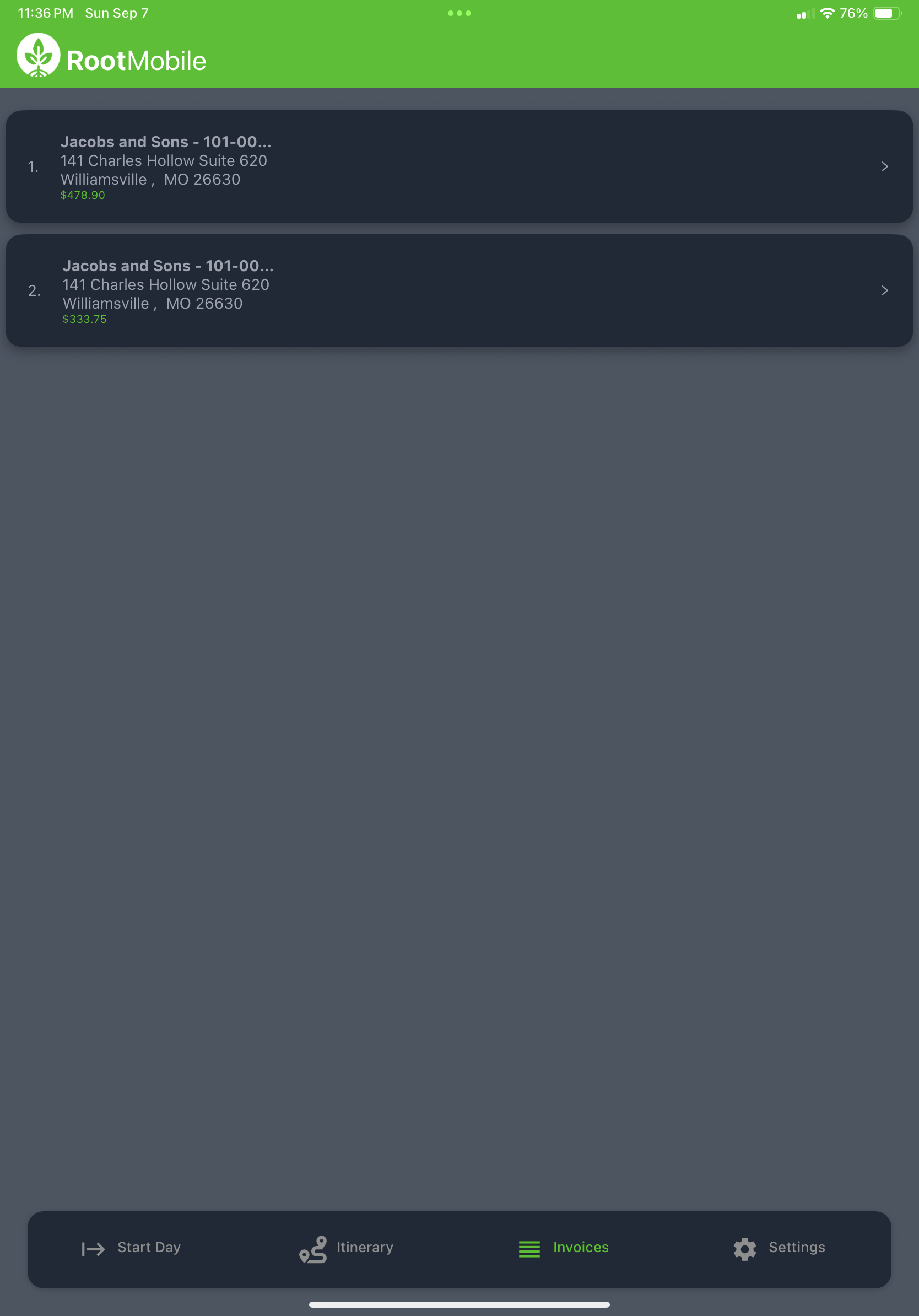
Invoice management features include:
- Final invoice review and last-minute editing
- Payment terms and method selection
- Invoice numbering and proper documentation
- Customer receipt generation and formatting
- Tax calculations and compliance verification
Payment Processing
Complete the transaction by handling payments through multiple available methods:
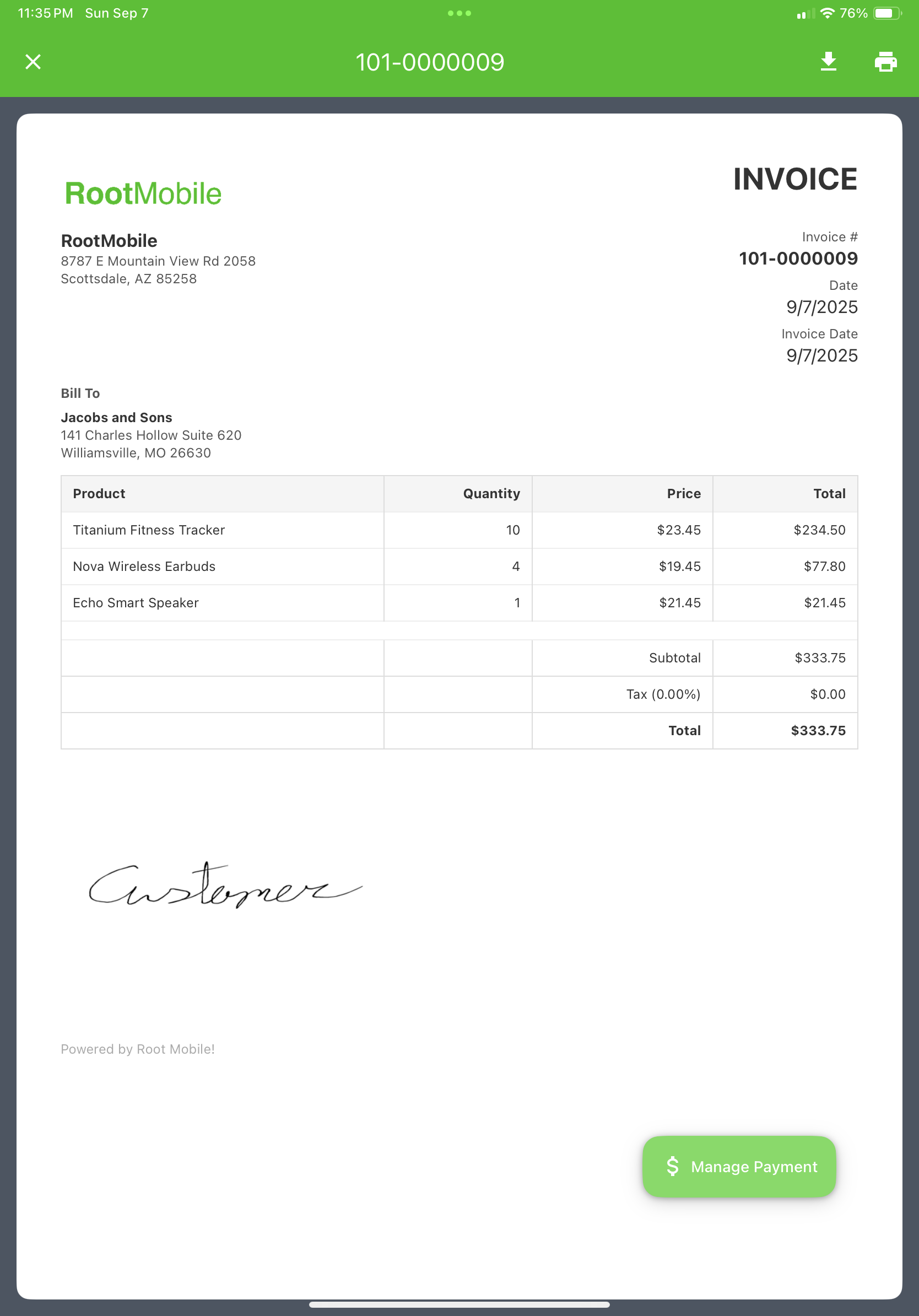
Available payment options include:
Cash Payments
Credit Card
- Mark an invoice as paid by credit card. CC processing coming soon.
Account Billing
- Bill to customer account with payment terms
- Net 30, Net 60, or custom terms
- Account balance tracking and management
Printer Setup and Configuration
For on-site invoice and receipt printing, configure your mobile device with a portable printer:
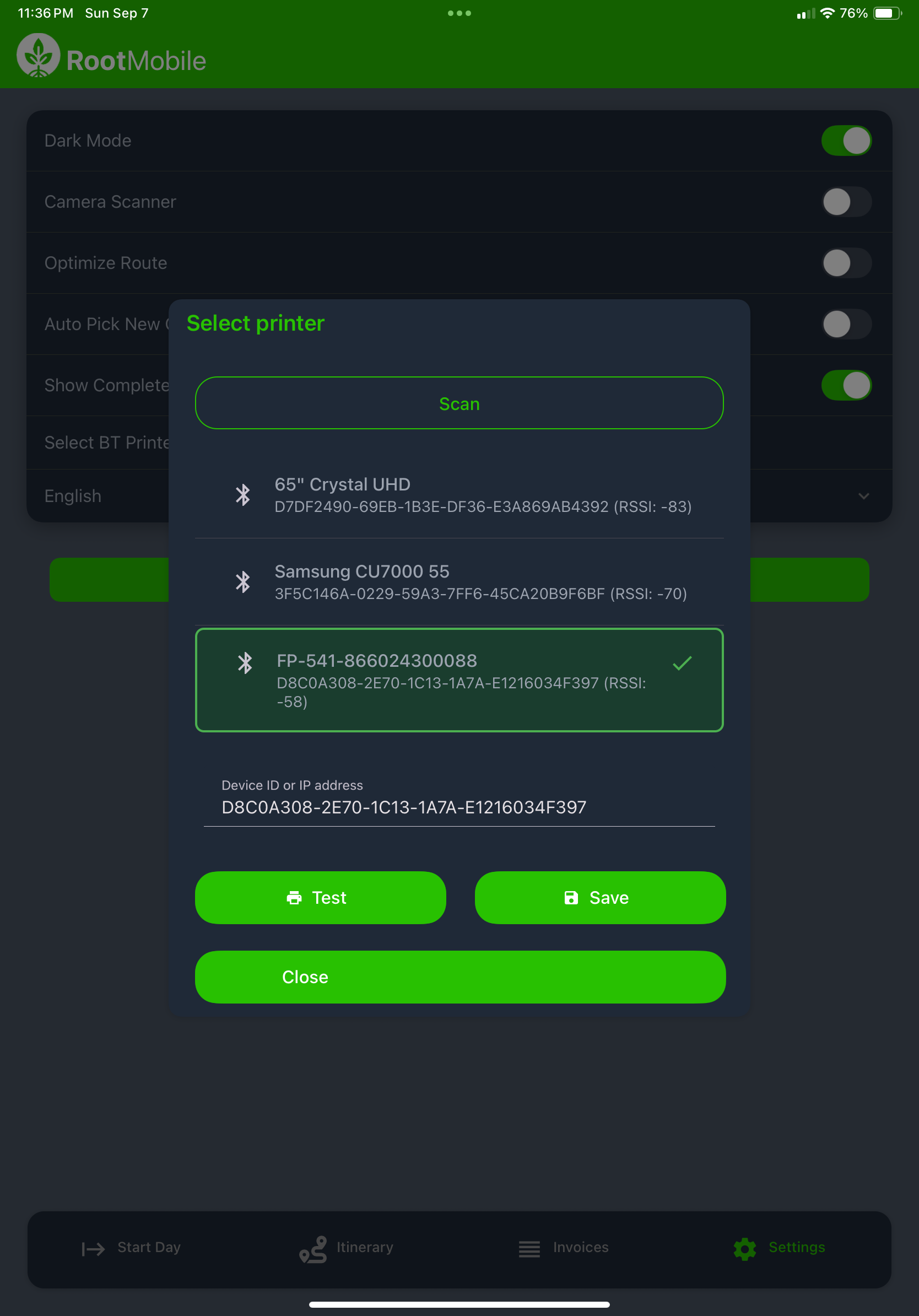
Bluetooth Printer Pairing
- Turn on your portable printer and enable Bluetooth pairing mode
- From the app, search for available Bluetooth devices
- Select your printer model from the available devices
- Complete the pairing process following on-screen prompts
Completing the Transaction
Finalize the invoicing process to complete your sale:
- Verify all payment information is correct
- Generate and provide customer receipts
- Update inventory levels automatically
- Mark the customer stop as completed in your itinerary
Invoicing Best Practices
- Double-check all details before processing payment
- Ensure signature clarity for legal compliance
- Process payments promptly to complete transactions
- Provide clear receipts to maintain customer satisfaction
- Keep backup records in case of printing issues
Invoice Workflow Summary
The complete invoicing process: Order Review → Customer Signature → Invoice Finalization → Payment Processing → Receipt Generation → Transaction Completion
Next Step
Continue to: Upload Data - Learn how to complete your route with End Day data synchronization.